From cabinet scan to dawn delivery route
See how PastryScan turns QR tray counts into optimised early-morning pastry delivery runs for wholesale bakeries and patisseries.
Every step, explained
From setup to live tracking — here's the full process.
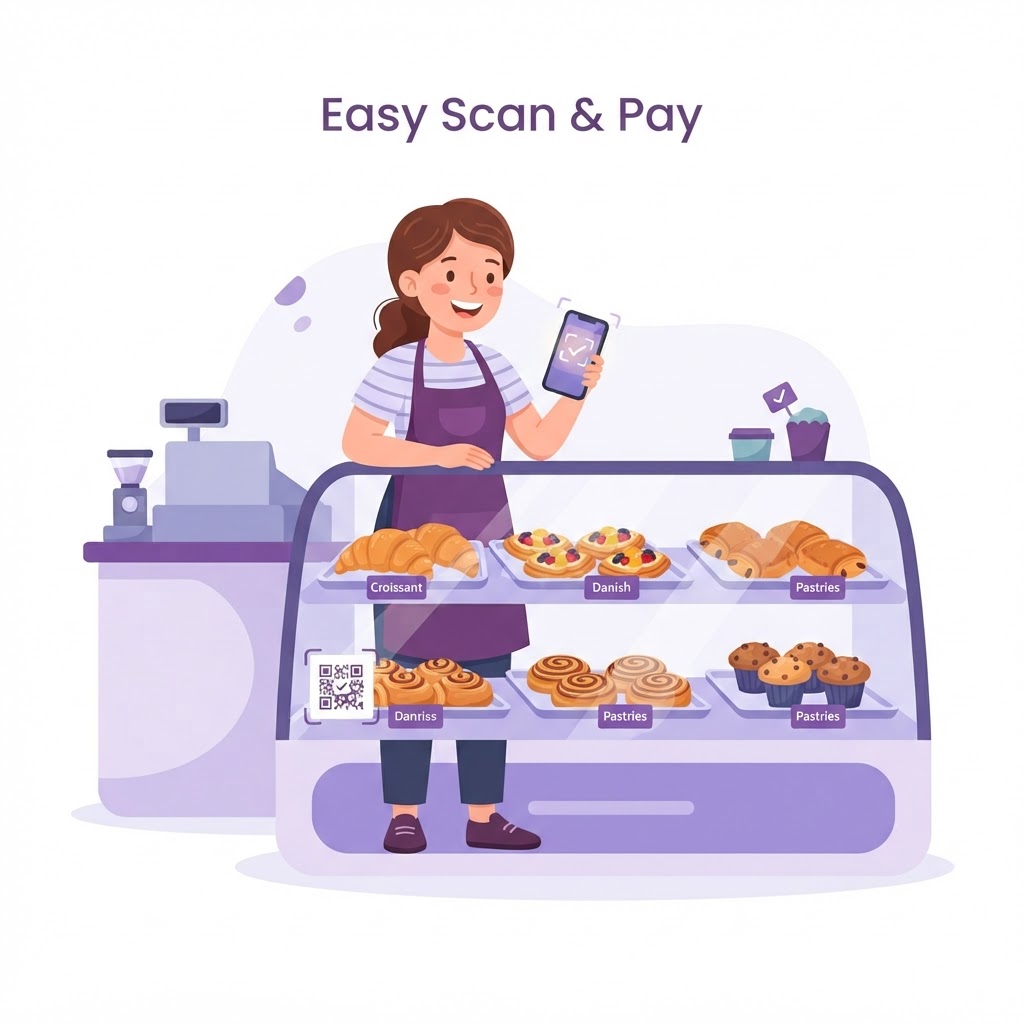 1
1Scan the QR code
A barista scans the PastryScan QR code with their phone — no app, no login — and the ordering page opens in their own language.
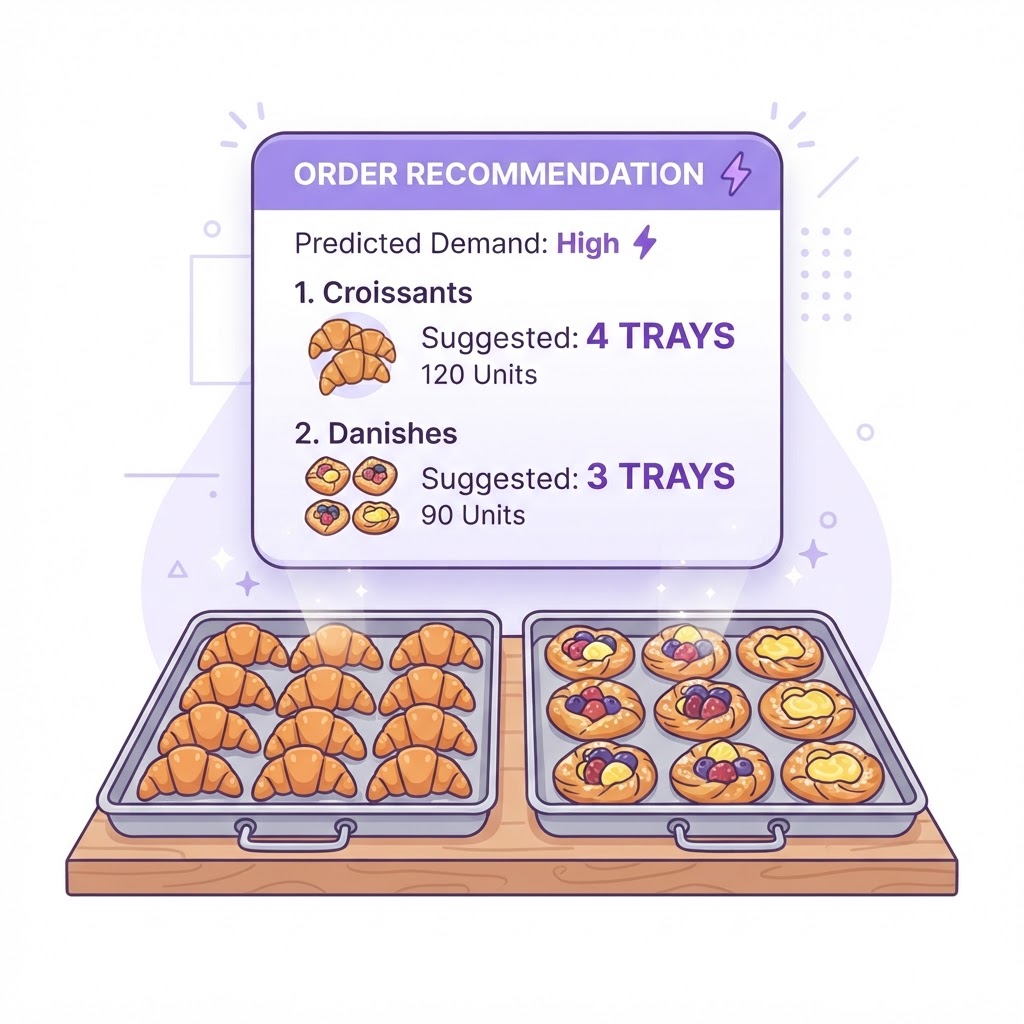 2
2Place tomorrow's order
They tap the quantity of each pastry line they want delivered next morning — croissants, danishes, muffins, pies — and hit submit.
 3
3Or one tap for the standing order
If nothing has changed from the usual, they simply hit "Repeat my standing order" — tomorrow's order is placed in seconds.
 4
4Order received at the bakery
Orders land instantly on your dashboard and total into exactly what needs baking tonight — no 4am order calls, no missed lines.
 5
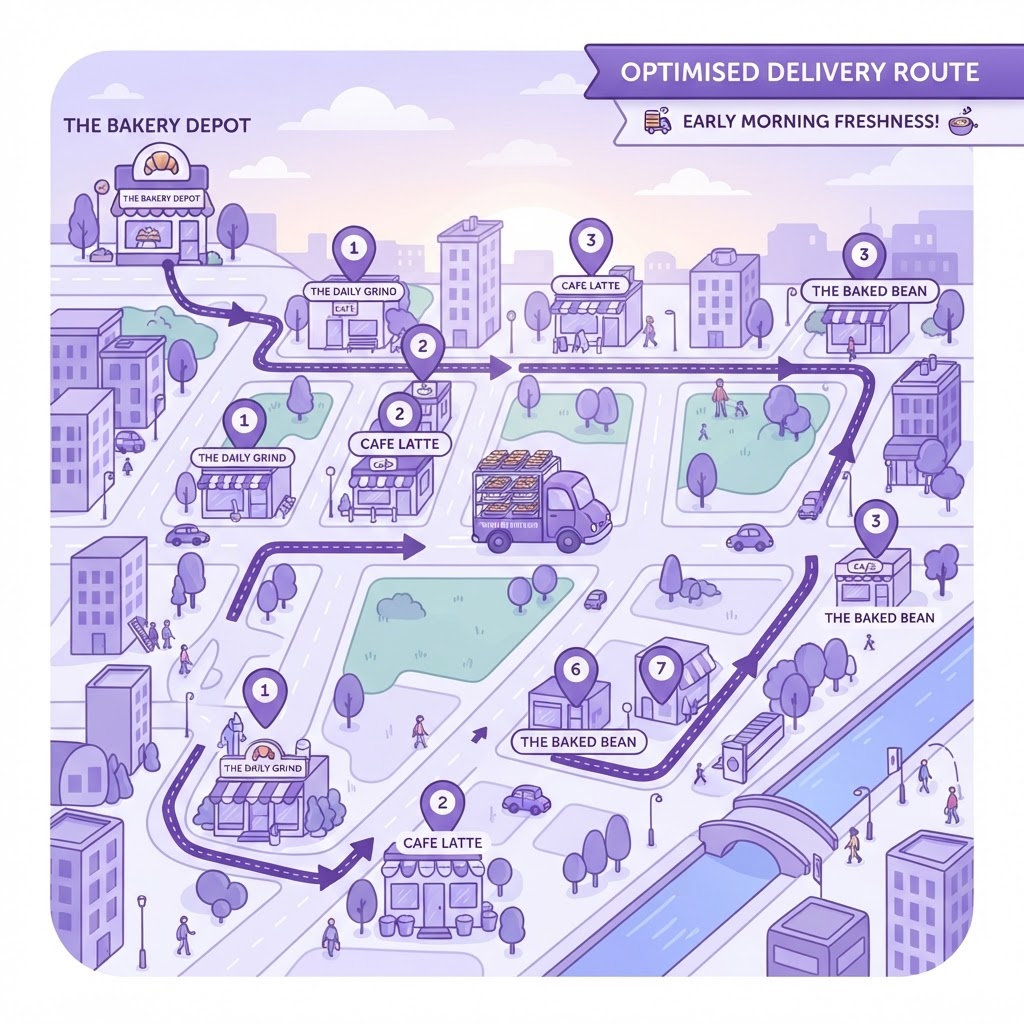
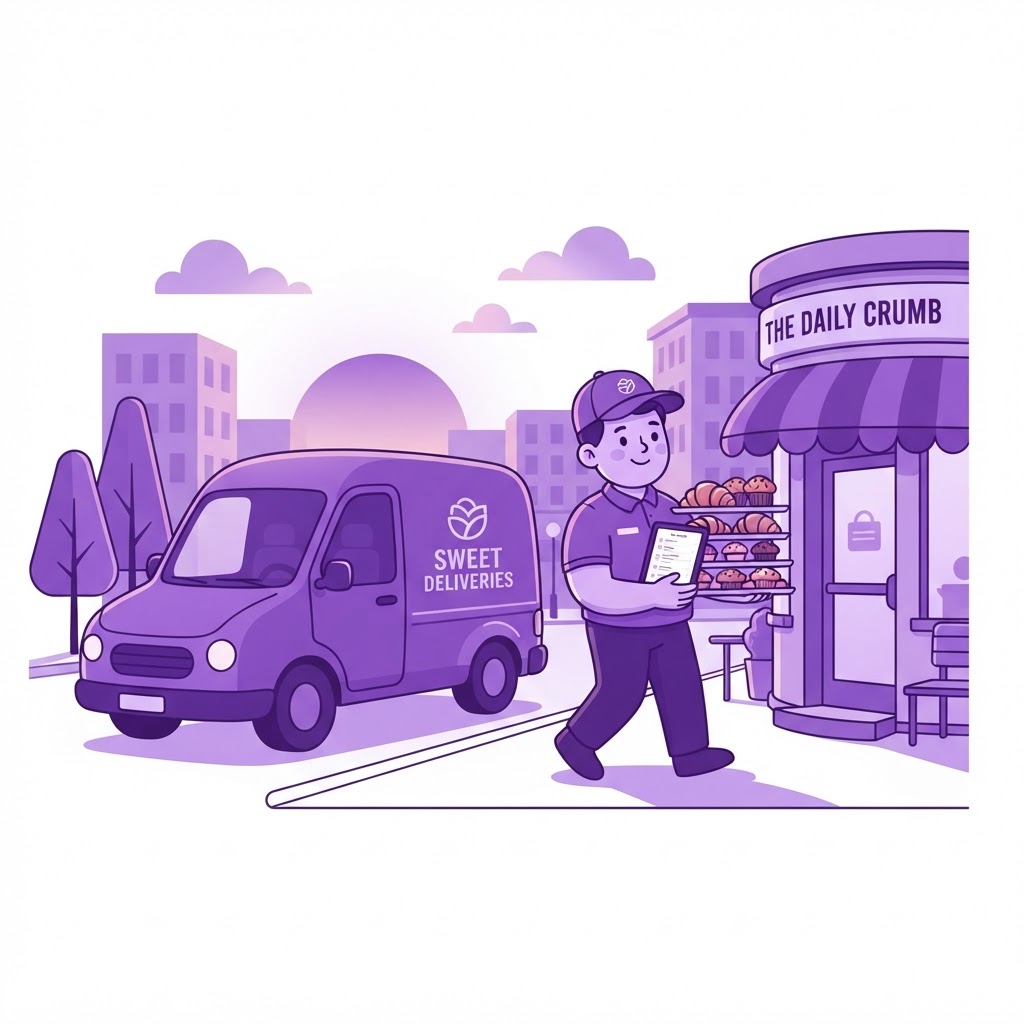
5Delivery run optimised
PastryScan turns the day's orders into the dawn run — fewest trucks by capacity, endorsed drivers assigned, kilometres minimised.
 6
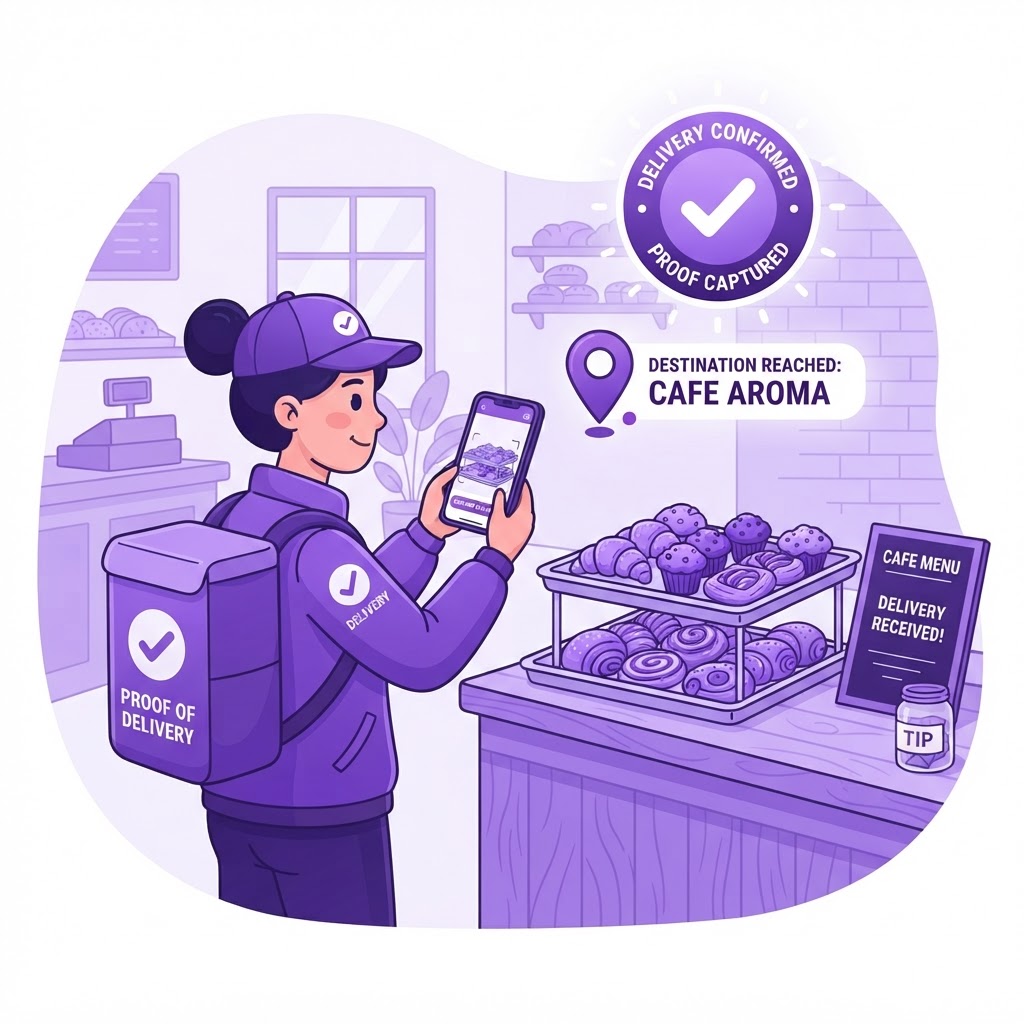
6Driver delivers & confirms
The driver follows a mobile run sheet with exact quantities per cafe and confirms each drop with a geotagged photo before opening.
What you get with PastryScan
Everything you need to plan, route and confirm tomorrow morning's pastry run — in one place.
Scan-to-reorder trays
Cafe staff scan the cabinet QR at close and tap trays left — no app, no login, no 4am phone orders.
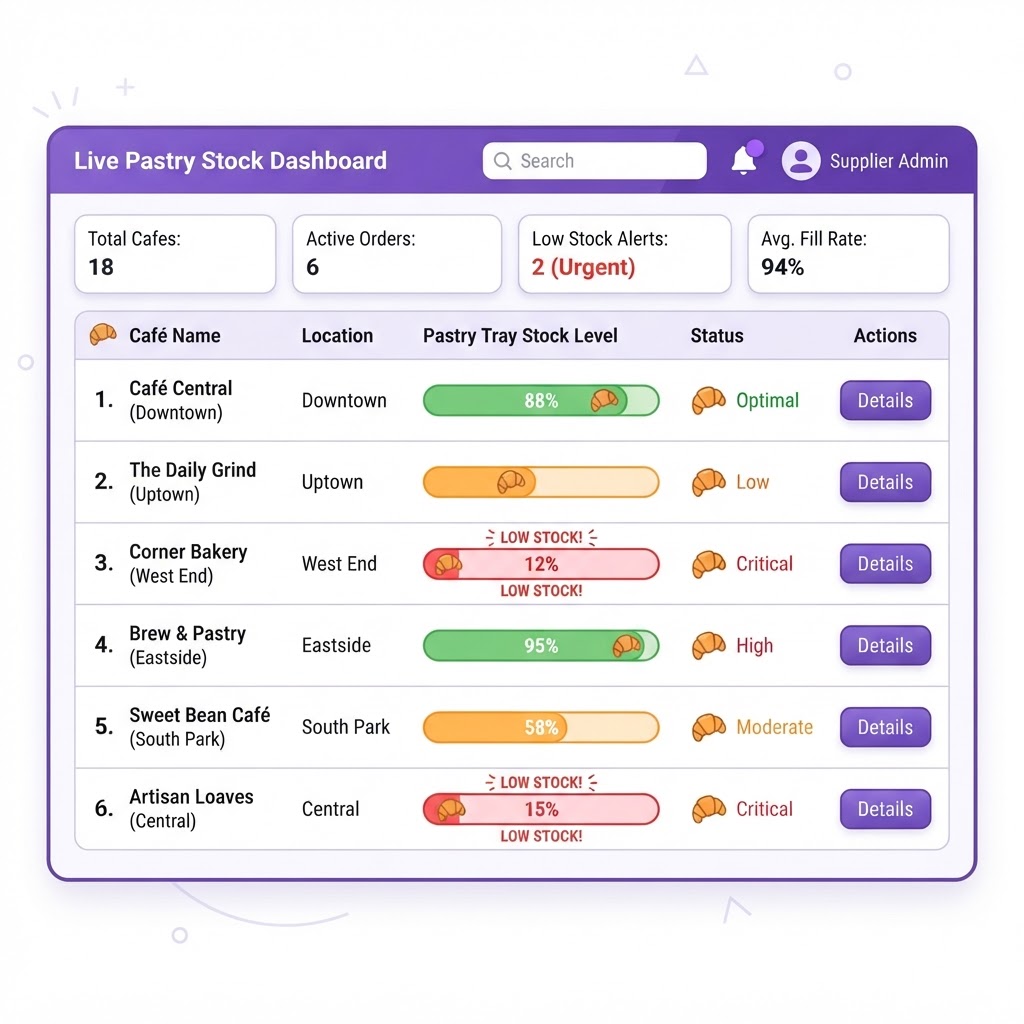
Live tray dashboard
Every cafe and pastry line shown in real time, with tomorrow's shortfalls automatically flagged.
Optimised dawn runs
Packs the fewest trucks by tray capacity, assigns endorsed drivers and minimises kilometres before opening.
Proof of delivery
Drivers confirm each tray drop with a photo and GPS, and tray counts update automatically.